 Illustrator Plugin
Generate all your logo variations in seconds
Stop making logo variations by hand. Colors, formats, sizes, folders and the brand guide, all generated from one design, right inside Illustrator.
macOS & Windows · Adobe Illustrator 2022 and later · 3 free generations
One logo, every variation
Watch a single design turn into a complete brand package: every layout, every color treatment, every format your client will ask for.

Export Formats
Built for the modern workflow.
Logotyps handles the tedious part of delivering a brand identity, so you can stay on the creative side.
Mass Generation
One logo selected in Illustrator becomes up to 70 artboards: horizontal, vertical, icon and wordmark, in original, black & white, monochrome and custom colors.
Multi-Format
PNG, JPG, SVG, PDF and AI exported at once, in three sizes, into cleanly named folders.
Colors under control
Dark or light monochrome, black & white, or your own palette applied to every version.
A few seconds
Every artboard is generated inside Illustrator in seconds, the export follows right after.
Brand guide & mockups
An InDesign brand guide generated with your logo placed on 9 real-world mockups.
Your complete logo system
in one click
Select the pieces of your logo, pick your colors and formats, click once. Logotyps builds the whole delivery: artboards, exports, folders and the brand guide.
Every variation
Horizontal, vertical, icon, wordmark and up to 3 custom versions, each in fit-to-content and square, in original, black & white, monochrome dark & light or custom colors.
Every format, properly named
PNG, JPG, SVG, PDF and AI in small, medium and large sizes plus a favicon, sorted by type, color and format in a “Logopack” folder.
The brand guide, done
An InDesign presentation generated with your palette, usage rules and your logo on 9 real mockups rendered by Photoshop.
Updates from the panel
Install once from this site; new versions install themselves from the plugin panel.
- horizontal
- original
- PNG
- petit_horizontal.png
- moyen_horizontal.png
- grand_horizontal.png
- SVG · PDF · AI · JPG
- blackwhite · monochrome · monochromeLight · custom
- vertical
- icon
- text
- favicon
- presentation-logo.idml
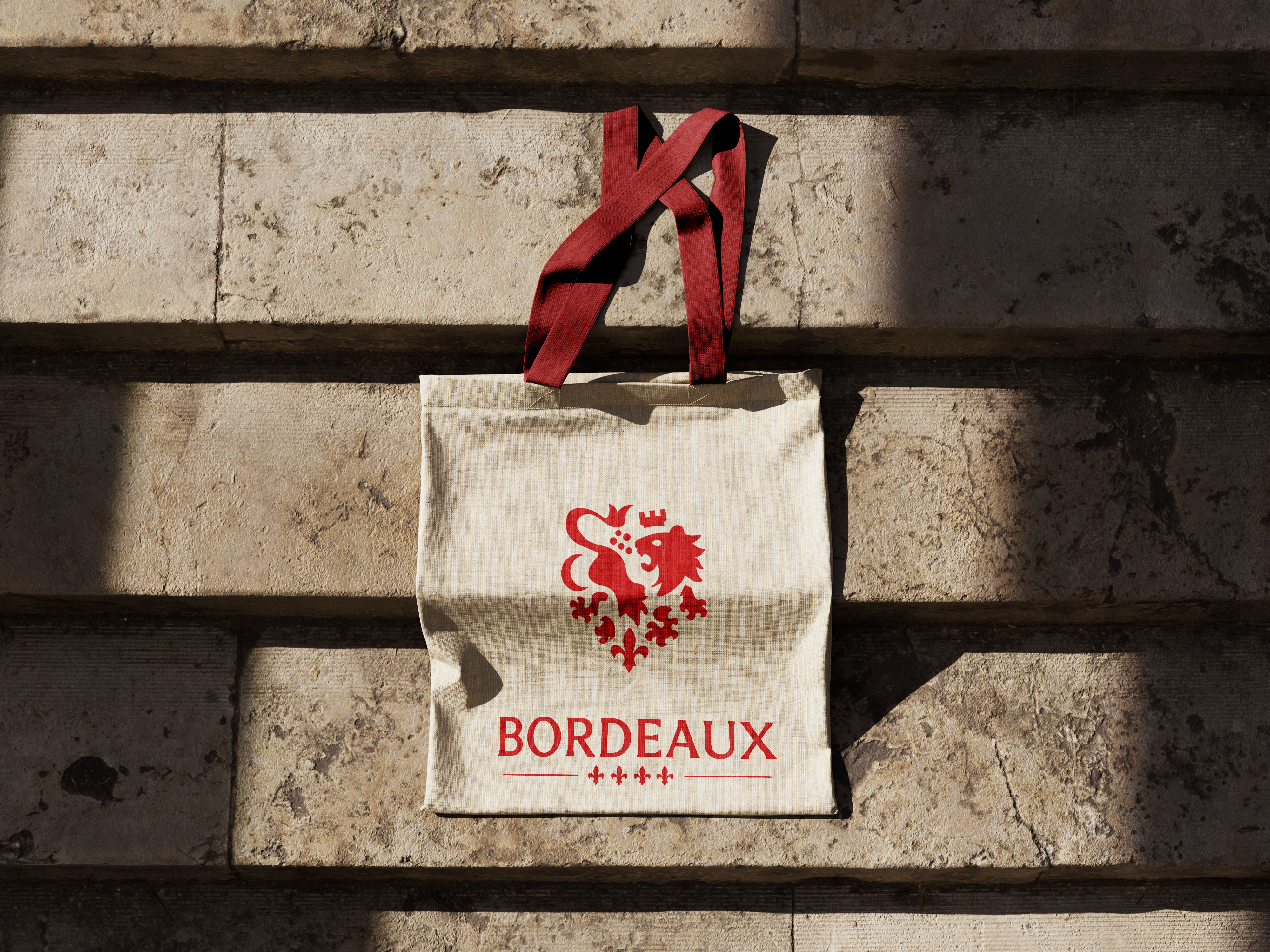
InDesign · 9 Photoshop mockups
Designed by designers, for designers
We've been there: countless hours spent manually creating logo variations, exporting files in different formats, organizing folders. It's tedious, time-consuming, and frankly, soul-crushing work.
That's why we built Logotyps. To give you back your time and let you focus on what truly matters: the creative process. No more repetitive tasks. No more human error. Just pure, automated efficiency.

Total control
Choose exactly what gets generated. Every option lives in the panel, nothing is hidden in a config file.
Color Variations
Every color treatment your logo will need, generated from the original.
- Original colors
- Black & white
- Monochrome, dark or light
- Custom palette
Versions & framing
Pick which versions to generate and how they are framed.
- Horizontal, vertical, icon, wordmark
- Up to 3 custom versions
- Fit-to-content or square
- 32 px favicon
Export Formats
Every format a client will ask for, exported in one go.
- SVG, PDF & AI vectors
- PNG & JPG rasters
- Folders by type / color / format
- Named “Logopack” parent folder
Sizes & brand guide
Three presets, a custom size, and the optional InDesign presentation.
- Small, medium, large
- Custom dimensions
- Favicon
- InDesign brand guide with mockups
Simple, transparent pricing
One plugin, three ways to pay for it. Try it for free first.
Free trial
Test Logotyps on your own logo
- 3 complete generations
- Every feature of the plugin
- No credit card
- Internet connection required
Annual
For a logo now and then. Less than a coffee a month.
- Unlimited generations
- Every variation and color treatment
- PNG, JPG, SVG, PDF & AI exports
- InDesign brand guide + 9 mockups
- 3 computers per license
- Updates included
- Renews yearly, cancel anytime
Lifetime
Pay once, keep it forever
- Unlimited generations
- Every variation and color treatment
- PNG, JPG, SVG, PDF & AI exports
- InDesign brand guide + 9 mockups
- 3 computers per license
- Updates included
- One payment, lifetime license
Prices include VAT · Secure payment by Lemon Squeezy · License key sent by email · Activate it from the plugin panel · 14-day money-back guarantee
Got questions?
Everything you need to know about Logotyps.
Logotyps is a panel inside Adobe Illustrator. Select the pieces of your logo (icon, wordmark, horizontal and vertical versions), choose the colors, formats and sizes you want, and click once: every variation is generated as artboards in a new document and exported into neatly named folders. Optionally, it also builds an InDesign brand guide with your logo on real mockups.
Ready to deliver your next logo?
Download the plugin, try it on your own logo with 3 free generations, then pick the license that suits you.